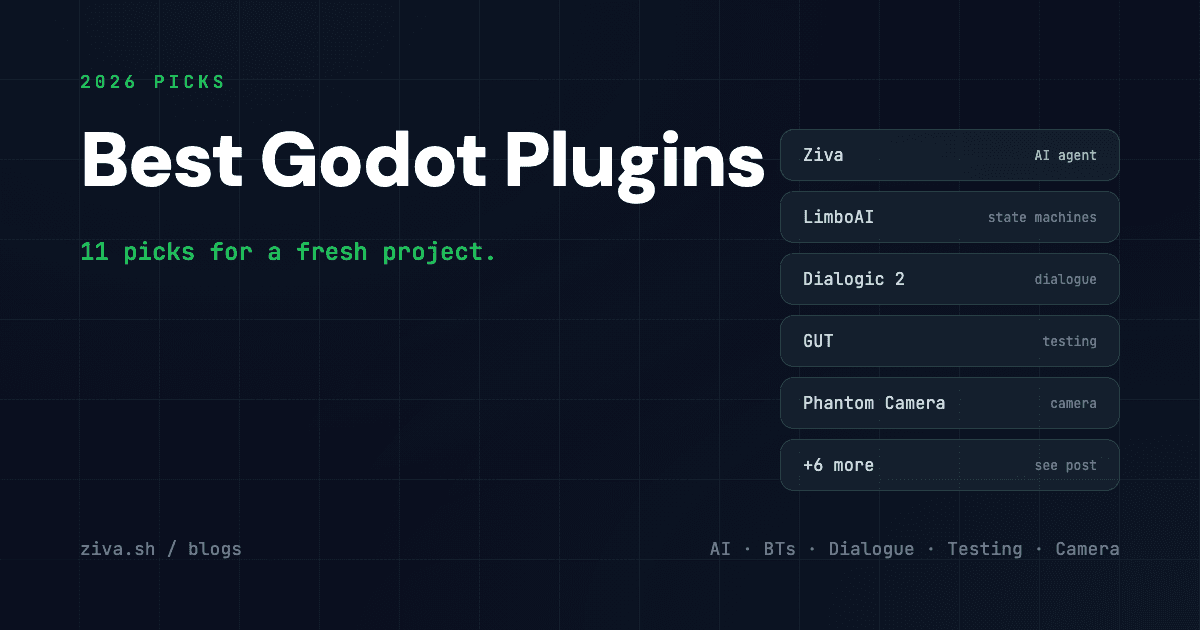
Best Godot Plugins in 2026: 11 Essential Add-Ons for Game Devs
The Godot 4 ecosystem has matured to the point where the plugin you pick matters as much as the engine itself. There are over 5,000 add-ons on the Godot Asset Library and several maintained marketplaces beyond it. Most are abandoned, redundant, or specific to a workflow you don’t have. We pulled the ones that we keep installing on every new project in 2026, organized by category. These are the picks for an indie or small-studio Godot 4 setup.
Note on Godot 5: a handful of plugins below have started shipping Godot 5 branches. Where the API changes are material, we flag it.
How we picked
- Actively maintained in 2026 — last commit within six months, an issue tracker that gets responses
- Godot 4.4+ compatibility — must work with the current stable line, not just legacy 4.2
- Solves a problem the engine doesn’t — we skip plugins that duplicate built-in functionality (Godot 4.4 absorbed several popular plugins into core)
- No silent telemetry or paywalled core features — open about what they do
- Battle-tested — used in at least one shipped commercial game or has a public production case study
The 11 contenders at a glance
| Plugin | Category | Pricing | Open Source |
|---|---|---|---|
| Ziva | AI agent + asset gen | Free / $20mo Pro | No |
| LimboAI | State machines + BTs | Free | Yes (MIT) |
| Dialogic 2 | Dialogue system | Free | Yes (MIT) |
| GUT | Unit testing | Free | Yes (MIT) |
| Phantom Camera | Camera control | Free | Yes (MIT) |
| Terrain3D | Large 3D terrain | Free | Yes (MIT) |
| Debug Draw 3D | Runtime debug drawing | Free | Yes (MIT) |
| Limbo Console | In-game dev console | Free | Yes (MIT) |
| Aseprite Wizard | Sprite import | Free | Yes (MIT) |
| Beehave | Behavior trees | Free | Yes (MIT) |
| Material Maker (export) | PBR material authoring | Free | Yes (MIT) |
Best AI plugin: Ziva
Ziva is the most complete AI plugin for Godot 4 in 2026. Unlike chat-only assistants, Ziva runs as an agent inside the editor — it manipulates the live scene tree through Godot’s own API (not patching .tscn text), generates GDScript and C#, writes and runs GUT tests, reads debugger output in real time, takes editor screenshots for visual context, and generates 2D sprites + 3D meshes. Multi-model: Claude Sonnet 4.6, ChatGPT, Gemini, Deepseek.
Free tier covers light usage ($3/mo of included usage). $20/month Pro unlocks unlimited calls on frontier models. If you want the broader AI-tool landscape — including MCP bridges, free-tier chat plugins, and AI-native engines — see Best AI Tools for Godot in 2026.
Best for: solo devs and small studios who want one plugin that touches scene, code, assets, and debugging.
Best state machine / behavior tree: LimboAI
LimboAI is the de-facto AI behavior framework for Godot 4. Hierarchical state machines and behavior trees in one plugin, with a custom editor dock that visualizes both. The behavior tree editor handles condition / action / decorator nodes natively, and the runtime is GDExtension (compiled C++), so it’s fast enough for large NPC populations.
The 2025 release added a debugger pane that shows live BT tick state in the running game — by itself worth installing the plugin for. Used in several shipped Godot games including Brotato post-port and a number of Steam Next Fest entries.
Best for: any game with NPCs, enemies, or scripted character behavior.
Best dialogue system: Dialogic 2
Dialogic 2 is the dialogue plugin for Godot. A custom timeline editor, characters with portraits and voice lines, branching logic, variable interpolation, save/load integration, translation file export. The 2.0 rewrite (2024) finally landed cleanly on Godot 4 and removed the rough edges of v1.
Even non-narrative-heavy games use Dialogic for tutorial text, NPC interactions, and quest dialogue. Plug it into LimboAI for dialogue-driven AI behavior.
Best for: any game with named characters, branching conversations, or tutorial flow.
Best testing framework: GUT
GUT (Godot Unit Test) is the testing standard. Suites organized by directory, doubles and stubs for dependency injection, runs from the editor and from the CLI for CI. Snapshot output and code coverage reports.
If you’re using Ziva, the agent writes and runs GUT tests as part of its build loop. Even without an AI assistant, GUT is the right call for anyone who wants test-driven development in Godot. Configured properly, the CLI runner is fast enough to put on a pre-commit hook.
Best for: any project past prototype that wants regression safety.
Best camera control: Phantom Camera
Phantom Camera brings Unity Cinemachine-style virtual-camera workflows to Godot 4. Define multiple “phantom cameras” with priority, follow targets, dampening, look-ahead, and let the plugin blend between them. Supports both 2D and 3D.
Pre-Phantom, every Godot project rewrote camera follow logic from scratch. Phantom Camera retired that boilerplate. The docs at phantom-camera.dev are unusually good.
Best for: any 2D or 3D project that needs more than a child-of-player camera.
Best terrain: Terrain3D
Terrain3D by Tokisan Games is the answer for large outdoor 3D scenes in Godot 4. Editor-based sculpt, paint, and asset scatter; supports very large heightmaps (4096x4096 and beyond); clipmap LOD for distance rendering. Native GDExtension, not a GDScript wrapper, so the editor stays responsive on big terrains.
Built specifically to fill the gap Godot 4 left when it shipped without a built-in terrain system. The team is upstream on the engine’s roadmap discussion — long-term, parts of Terrain3D may land in core, but for 2026 the plugin is the only serious option.
Best for: open-world, large-scene 3D projects.
Best runtime debugging: Debug Draw 3D
Debug Draw 3D draws lines, arrows, spheres, boxes, and text in the running game from a one-liner GDScript call. Zero-cost in release builds (drawing calls strip out via build flags). Without it, debugging 3D AI or physics means commenting out print() statements and squinting at the editor; with it, you draw a frustum cone in 3D and see what the AI is “looking at.”
Pairs with LimboAI for visualizing behavior-tree decisions in 3D space.
Best for: any 3D project that does spatial logic (AI, physics, raycasts).
Best in-game console: Limbo Console
Limbo Console (same author as LimboAI) drops a Quake-style developer console into your running game. Bind GDScript functions as console commands with one annotation; the console autocompletes, accepts arguments, and persists command history. Cheat menus, quick-spawn, scene reload, FPS toggle — all become one-liner registrations.
Strip in release builds with a single config flag.
Best for: any project where you want to skip to level 5 and try a thing without restarting.
Best pixel-art workflow: Aseprite Wizard
Aseprite Wizard imports Aseprite files (.aseprite, .ase) directly into Godot 4 with full animation metadata. Tag-based animation names, slice rectangles, layer separation, and import templates. If your art pipeline is Aseprite → Godot (the default for most pixel-art indies), this plugin saves you the JSON-export-and-reimport dance.
See our pixel art tutorial for the broader workflow.
Best for: 2D pixel-art games using Aseprite.
Best behavior tree (lightweight): Beehave
Beehave is the GDScript-native behavior tree alternative to LimboAI. Lighter footprint, pure GDScript (no GDExtension), and simpler to extend for designers who want to read the source. Trade-off: slower than LimboAI at scale (compiled C++ vs. GDScript), so pick Beehave if you have a small number of agents and need fast iteration on the BT itself.
Best for: small projects, prototyping, or teams that prefer pure GDScript over compiled native plugins.
Best material authoring: Material Maker
Material Maker is technically a standalone app but the export-to-Godot workflow makes it function as a Godot plugin in practice. Node-based PBR texture authoring (Substance Designer-style) with direct export to Godot’s .tres material format. The 2026 update added a Godot 4 shader export path that round-trips parameters cleanly back into the engine.
For non-AI texture authoring, this is the indie pick. For AI texture generation, see Best AI Tools for Godot in 2026.
Best for: developers authoring custom PBR materials and tileable textures.
Quick decision guide
| If you want… | Pick |
|---|---|
| AI inside the editor | Ziva |
| NPCs, enemies, scripted behavior | LimboAI |
| Dialogue, branching conversations | Dialogic 2 |
| Unit testing + CI | GUT |
| Camera follow, blends, virtual cameras | Phantom Camera |
| Large outdoor 3D terrain | Terrain3D |
| Visual debugging for 3D AI / physics | Debug Draw 3D |
| Cheat console + quick scene actions | Limbo Console |
| Aseprite pipeline for 2D art | Aseprite Wizard |
| Lightweight pure-GDScript behavior trees | Beehave |
| Node-based PBR material authoring | Material Maker |
Plugins that used to be here
Godot 4.4 absorbed several previously-popular plugins into core, which is why they’re not on this list:
- Godot Jolt — the Jolt physics engine integration is now a built-in physics backend (toggle in Project Settings). The standalone plugin is in maintenance mode.
- Discord Game SDK / Discord Rich Presence — multiple maintained forks exist but the API churn from Discord’s side means none have hit “set and forget” status. Re-evaluate quarterly.
- godot-git-plugin — the built-in VCS integration improved enough in 4.3 that the third-party plugin is now redundant for most workflows.
What to install on a fresh project
If you’re starting a Godot 4 project today and want a sensible default plugin stack, install these four first:
- Ziva — AI assistance from day one
- GUT — testing harness before code complexity makes it painful to add
- LimboAI or Beehave — even prototype enemies use BTs eventually
- Phantom Camera — you will rewrite camera code three times without it
Everything else is project-dependent. For the bigger AI-tooling picture see Best AI Tools for Godot in 2026; for end-to-end AI workflows see How to Use AI With Godot.
The plugin ecosystem keeps moving. We’ll refresh this list in early 2027.