Claude Code tips for large projects
- Make your app CLI-testable, so Claude Code can test it
- Make Skills for planning and execution
- Utilize VMs for parallelized development
- Reap code slop regularly
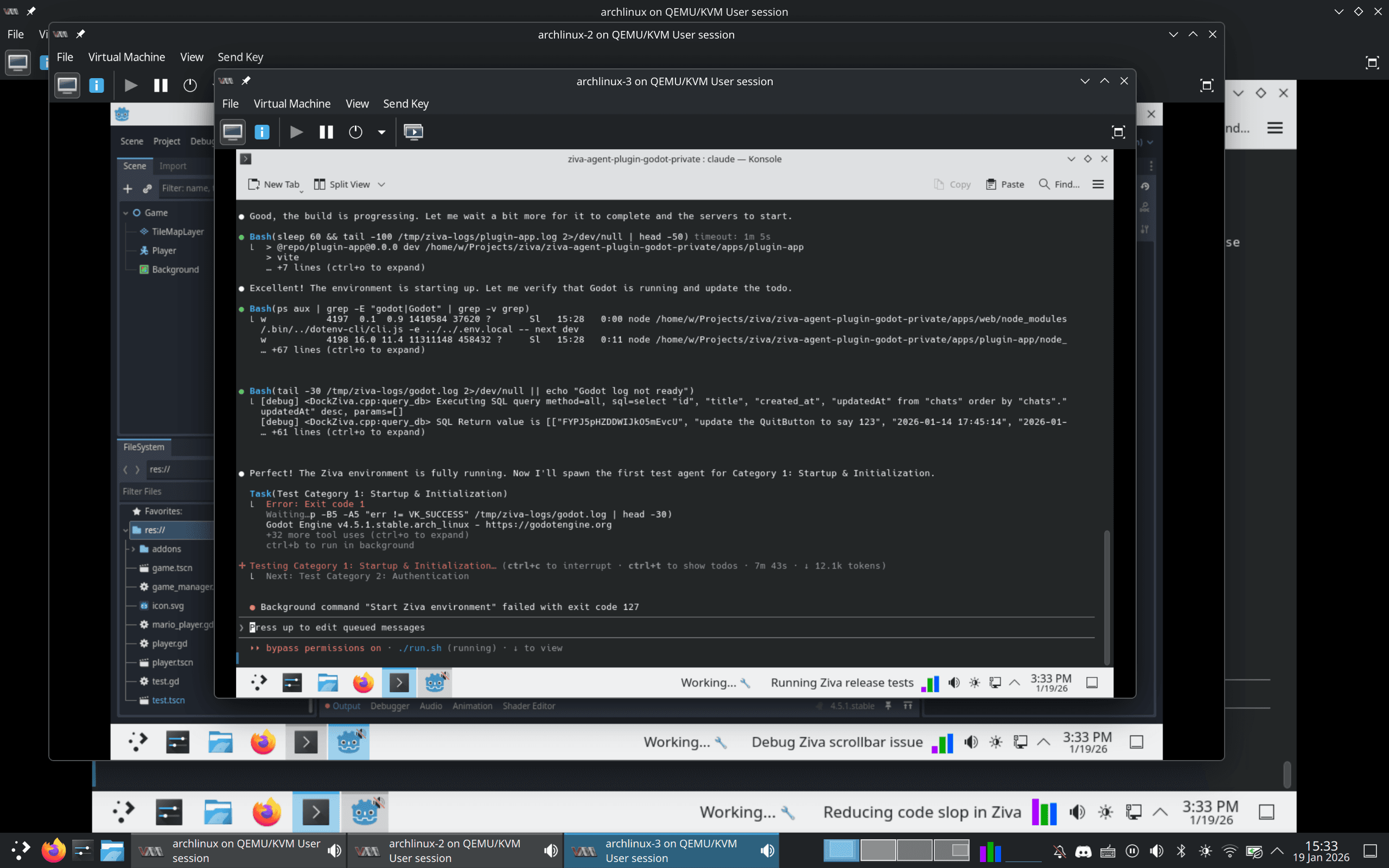
Ziva, a GUI plugin for Godot, is developed by Claude Code in up to 4 VMs at once. Each VM uses Claude Skills to break down ambiguous tasks, and has a few extra nice-to-haves.
Make Your Product Testable
Ziva is a GUI app, but in dev mode, it exposes an API that Claude Code uses to perform actions and read state. This lets Claude Code follow a “Release Test ” skill, which delegates individual steps to subagents (tasks) to ensure we’re bug-free. It’s also great to use after developing new features.
Plan Creation and Execution Skills
If you’re not using Skills, think of them like template prompts.
The TL;DR of my main Custom Skills is this -
- /brainstorm - Take my problem, understand the codebase, come up with 3 solutions, ask the user to pick one.
- /create_plan - Take the solution, come up with 3 testable implementations. Ask the user to pick one. Write an implementation guide.
- /execute_plan - Execute and test via the implementation guide.
The above will blow up your context if done in a single prompt. But by having each step be a stage with a handoff, you can compact without losing anything.
Of course, this takes longer - but when you’re parallelized, it doesn’t matter. Using skills this way also lets you leverage subagents to do verification on your plan or execution, to help avoid slop.
Claude Code’s VM
We use an Arch Linux base VM with KDE. It’s relatively lightweight and heavily customizable. In it, we have a custom init script, Claude Code, build and debug tools, and some custom widgets (more on that below)
We run our VMs with Virt-manager , and anytime we have an improvement, we modify the base image and reclone from it.
Avoiding Slop
- Our Plan Creation Skill recommends Claude to find 2-3 ways of doing any given task, then present the user with a recommendation. It doesn’t just yeet code until it works.
- Claude is never allowed to make commits on its own; this allows disciplined developers to review the code and make changes before pushing
- We also have a dedicated Reduce Slop command. When a VM is otherwise idle, it’s always great to run this one.
Nice to Have
The Bell
Ask Claude Code to configure you a bell sound when waiting for user input (the idle_prompt hook). On Linux, paplay /usr/share/sounds/freedesktop/stereo/bell.oga does the trick.
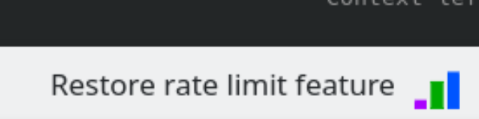
Which VM is doing what, again…?
KDE allows you to add anything to your taskbar with the Command Output widget.
Make the widget read from a ~/.claude_state.txt file and combine it with a CLAUDE.md prompt to update on every major user request, and voila!
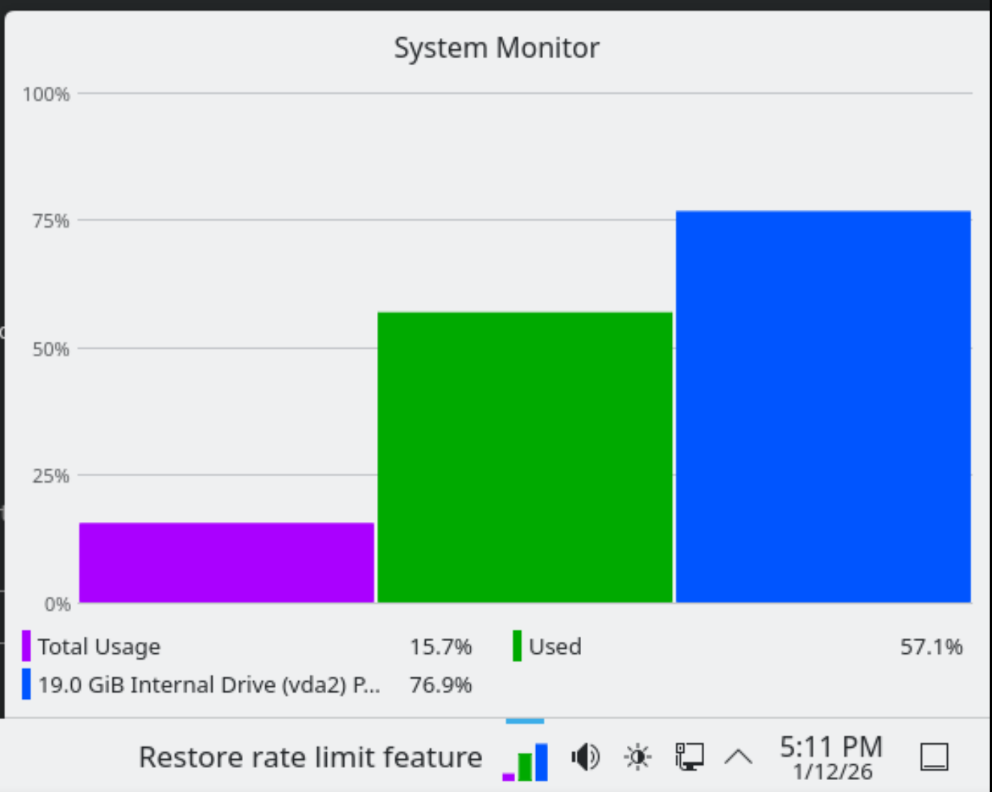
Resources at a glance
Another thing I love about KDE is the System Monitor Sensor widget. It’s configured to show RAM, CPU, and disk space all in one chart, so you can see when a VM (or the host) is suffering.
Diagnose-vm
While the monitor widget is great, managing VMs or identifying the root cause can be a pain. That is also done with a Claude Skill !
Closing Thoughts
I’ve been doing the VM-driven development flow for about a month now. The flexibility it provides lets me focus on important things like talking to users, using the product myself, or even writing this blog. Lots of folks are doing similar things, but little is written about it on the subject. Hopefully this helps someone out there!