Ziva 2.4: Smarter Scenes, Better Testing, New Models
We reworked the scene manipulation tools from scratch, upgraded the testing pipeline, and swapped in newer models across the board. Scene editing scores 30%+ higher on our internal benchmarks while costing up to 20% less per operation.
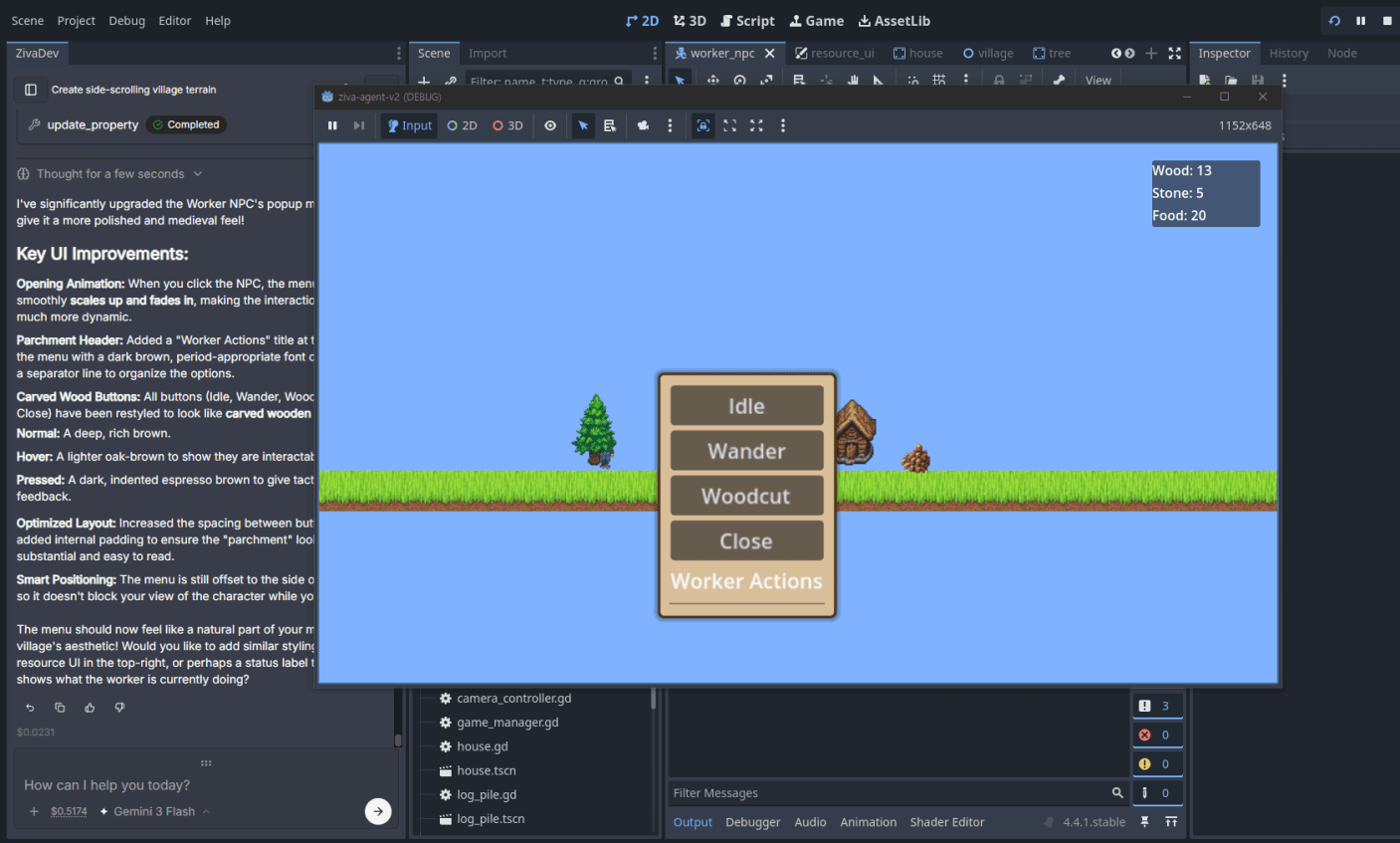
Most AI coding tools treat game engines as an afterthought. Ziva is built for Godot from the ground up, and 2.4 widens that gap. No other AI agent can read your scene tree, modify nodes, run your tests, and fix what it broke, all inside the editor. This release makes every step of that loop faster and more accurate.
Smarter Scene Editing
We rebuilt how Ziva reads, modifies, and creates Godot scenes.
The old scene tools worked, but they were brute-force. They read more of the scene tree than necessary, made redundant modifications, and burned tokens on context that the model did not need. We redesigned them to be surgical: smaller reads, targeted writes, and better tool-call planning.
In practice: when you ask Ziva to add a new UI element, reparent nodes, or restructure a complex scene, it gets it right more often on the first try. Less back-and-forth, less manual cleanup, fewer round-trips between the model and the scene system.
If you felt like scene operations were the weakest link, try them again now.
Testing tools, leveled up
We shipped the run_tests tool in our previous release, and in 2.4 we overhauled it.
The testing tools now work more reliably across different project setups, report results with better formatting, and integrate tighter with Ziva’s workflow. The big unlock: you can now ask Ziva to write tests to validate its own work.
Try this workflow: ask Ziva to implement a feature, then follow up with “write tests to verify that works.” Ziva writes the tests, runs them, and if something fails, it fixes the implementation. This is the AI agent loop that actually catches bugs before you do.
We have been using this internally and it catches real issues. A test that verifies “the player takes damage when touching an enemy” will find the edge case where the collision mask was set wrong. That is a bug you might not notice for days otherwise.
This is where Ziva pulls ahead of general-purpose AI coding tools. An AI that can only write code is useful. An AI that writes code, writes tests for that code, runs them against a live Godot instance, and iterates until they pass is a different category of tool. That loop now works end-to-end in 2.4.
New Models
We upgraded two models in the lineup:
| Model | Previous | New |
|---|---|---|
| GPT Codex | 5.2 | 5.3 |
| MiniMax | M2.5 | M2.7 |
GPT 5.3 Codex brings better code generation and fewer hallucinated API calls. MiniMax M2.7 continues the trajectory we liked about M2.5, with improved instruction following and longer context handling.
Both upgrades are automatic. No settings to change, no action required. If you are on a plan that uses these models, you are already getting the newer versions.
Linux Auto-Updates
Linux users, we hear you. Ziva now supports in-app auto-updates on Linux with a download progress bar and automatic restart. No more manually downloading the latest build from the website.
This brings Linux to feature parity with Windows and macOS on the update flow.
Quality of life improvements
A batch of smaller changes that make the daily experience better:
Chat completion sounds
Ziva now plays a sound when it finishes generating a response. Walk away, do something else, come back when you hear the chime. You can also pick your own custom sound in Settings.
Resizable prompt input
The text input box can now be dragged to resize. If you write long, detailed prompts, you can give yourself more room without scrolling.
Settings cleanup
We consolidated the Context tab into Preferences. One fewer tab, same options, less clutter. We also added a Support tab with links to Discord , social channels, and a quick feedback survey.
Image generation timeout
Increased from 2 minutes to 6 minutes. Complex or large image generations were timing out before they could finish. Fixed.
Code block readability
Fixed syntax colors in chat code blocks for better contrast.
Bug Fixes
- Ziva could get stuck in a planning loop when auto-approve was enabled, endlessly planning without executing. Fixed. Auto-approve now works as intended: Ziva plans once and then acts.
- If you stopped Ziva mid-tool-call, the undo/thumbs up/thumbs down buttons would not appear. Fixed. You can now rate and undo partial responses.
- Ziva now works for users with older Safari installations that were previously unsupported.
- Fixed missing audio bridge methods on Linux that were preventing certain features from working.
- Linux builds now run on Ubuntu 22.04 and later. Previously, some older LTS users could not launch Ziva at all.
- Fixed a bug where cancelled-but-still-active users could not upgrade their subscription plan.
What is next
We spent part of this cycle on database stability work that needed to ship before we could move on to new features. That is done now, and the next release will focus on the backlog: multi-file editing improvements, better asset pipeline integration, and the most-requested items from our Discord community .
Update or Download
Existing users: Ziva should prompt you to update. On Linux, the new auto-updater will handle it. On Windows and macOS, you will see the update notification as usual.
New users: Download Ziva and start building. The free tier now includes GPT Mini, so you can try the full AI agent workflow without a credit card.