Ziva vs GameDev Assistant: Agent or Tutor for Godot
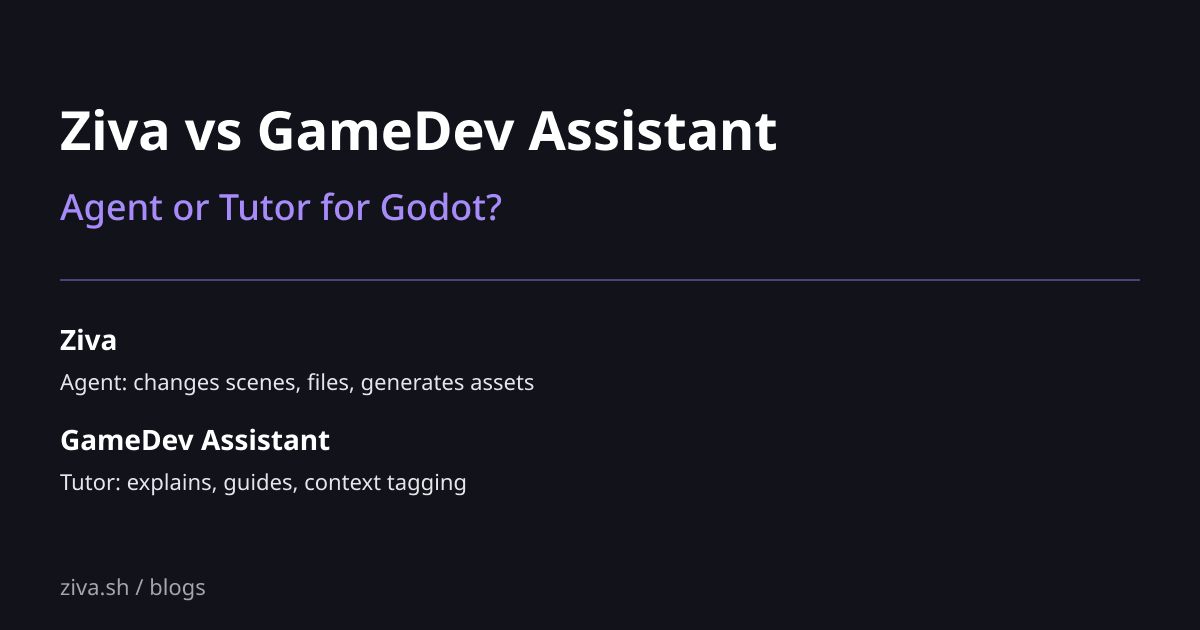
Ziva and GameDev Assistant are both AI plugins inside the Godot 4 editor, but they solve different problems. Ziva is an agent: it changes files, builds scenes, and runs the work for you. GameDev Assistant is a tutor: it explains what to do and helps you understand, but mostly leaves the changes for you to execute. Both have free tiers. Picking the right one depends on whether you want help doing the work or help learning to do the work.
TL;DR
| If you want… | Pick |
|---|---|
| Agent that changes scenes, files, and assets for you | Ziva |
| Tutor that explains and guides you to make the changes yourself | GameDev Assistant |
| Multi-model (Claude, GPT, Gemini, Deepseek) per task | Ziva |
| LLM Reasoning toggle on the chat panel | GameDev Assistant |
| Asset generation (sprites, 3D models) built in | Ziva |
| Context tagging (Open Scripts, Output, Docs, Git Diffs, Project Settings) | GameDev Assistant |
| Specific data-retention guarantees on the agent | Ziva |
| Free plugin with no Pro subscription needed | GameDev Assistant |
What each one actually does
Ziva is an agent. When you ask it to “add a player character with WASD movement”, it instantiates a CharacterBody2D, adds the CollisionShape2D and AnimatedSprite2D children, writes the movement script, wires the input map entries, and saves the scene. The scene panel reflects the changes immediately. The plugin snapshots files before every change so a one-click undo reverts the whole step. The agent loop is iterative: it tries something, reads the editor error if any, and adjusts.
GameDev Assistant is a chat plugin with a Chat Mode and an Agent Mode toggle, but the agent mode reads more like a tutor than an executor. Ask it the same question and you typically get a step-by-step explanation: “create a CharacterBody2D, then add a CollisionShape2D child, then write this script…”. You do the clicks. The plugin gives you the knowledge; you implement it. The strengths are around explanation, code review, and helping you understand patterns. The context-tagging system (you can pin Open Scripts, Output, Docs, Git Diffs, and Project Settings into the prompt) is the cleanest in the space for “show the AI exactly what I’m looking at.”
Both plugins are valid; they target different developer mindsets.
Feature comparison
| Feature | Ziva | GameDev Assistant |
|---|---|---|
| Primary mode | Agent (executes changes) | Tutor (explains changes) |
| Scene tree manipulation | Direct, via EditorInterface | Tells you what to click |
| Asset generation (sprites, 3D) | Built in (Retrodiffusion + 3D service) | Not core |
| Context tagging | Implicit (agent reads project) | Explicit (tag Open Scripts, Output, Docs, Git Diffs, Project Settings) |
| LLM Reasoning toggle | Per-model | Per-message |
| Custom instructions | Per-chat | Plugin-wide field |
| Chat history | Local session | Server-side, persists across reinstall |
| Privacy policy on agent behavior | Documented (default model = zero data retention) | No agent-specific policy in plugin |
| Model choice | Claude, ChatGPT, Gemini, Deepseek per task | Single integrated AI flow |
| In-chat Feedback button | No | Yes |
| Tests via GUT | Yes | Not core |
| Pricing | Free ($3/mo included usage), $20/mo Basic | Free |
| UI style | Custom dock | Native Godot UI |
Where GameDev Assistant wins
Genuinely better for learning. If you are learning Godot and want explanations alongside answers, GameDev Assistant’s tutor framing forces you to do the implementation. The Feynman effect kicks in: you cannot copy-paste your way through a tutor. For new Godot devs, this is real value.
Context-tagging UX. Being able to pin “the Output panel + this script + the Project Settings” into a prompt is precise. Ziva’s agent reads context implicitly; GameDev Assistant lets you control it explicitly. Some workflows prefer the latter.
Native Godot UI. The plugin uses Godot’s own control nodes throughout, so it looks and feels like part of the editor. Pure cosmetic, but it matters to some developers.
Custom instructions field. A plugin-wide “always do X” prompt that applies to every conversation. Useful for enforcing “always Godot 4 syntax” or “always typed GDScript.”
Free with no tier. There’s no Pro version to upsell. If you don’t want subscription thinking in your toolchain, that’s a feature.
Where Ziva wins
It does the work. Tutor mode is great for learning; agent mode is great for shipping. If your goal this afternoon is to ship a feature, having the AI implement it (with you reviewing the diff) is faster than having the AI explain how to implement it (with you typing). See what Ziva actually does in Godot for the API-level walkthrough.
Asset generation is built in. Need a sprite? Need a 3D model? Need a TileSet tile? Ziva calls Retrodiffusion and a text-to-3D service and writes real res:// files. GameDev Assistant tells you to use external tools.
Multi-model per task. Switch between Sonnet, Haiku, GPT-5, Gemini, Deepseek per question, picked from a dropdown. Each model has strengths; matching model to task matters for both quality and cost. GameDev Assistant doesn’t expose this.
Documented data retention. Ziva’s default models run with zero data retention and no training on your code. GameDev Assistant stores chat history server-side (it persists across reinstalls, confirmed by users with multi-year tenure on the plugin) and the plugin documentation does not specify what the AI sees or how long. For commercial projects with NDAs, this matters.
Live debugger reading. When the game crashes, Ziva already has the stack trace. GameDev Assistant requires you to paste the error into chat.
When to pick each
- Learning Godot, want to understand: GameDev Assistant
- Working through tutorials, want explanations: GameDev Assistant
- Shipping a feature today: Ziva
- Building commercial work where privacy matters: Ziva
- Generating sprite art or 3D models inside Godot: Ziva
- Studying patterns from existing scripts you’ve pinned to context: GameDev Assistant
Related reading
- Best AI Tools for Godot in 2026: the 11-tool landscape
- What Ziva actually does in Godot: agent-mode capabilities
- Ziva vs Cursor for Godot: external IDE comparison
- Ziva vs Summer Engine: plugin vs AI-native engine