Railroad Rummy
Steam Early AccessAterx Hobby
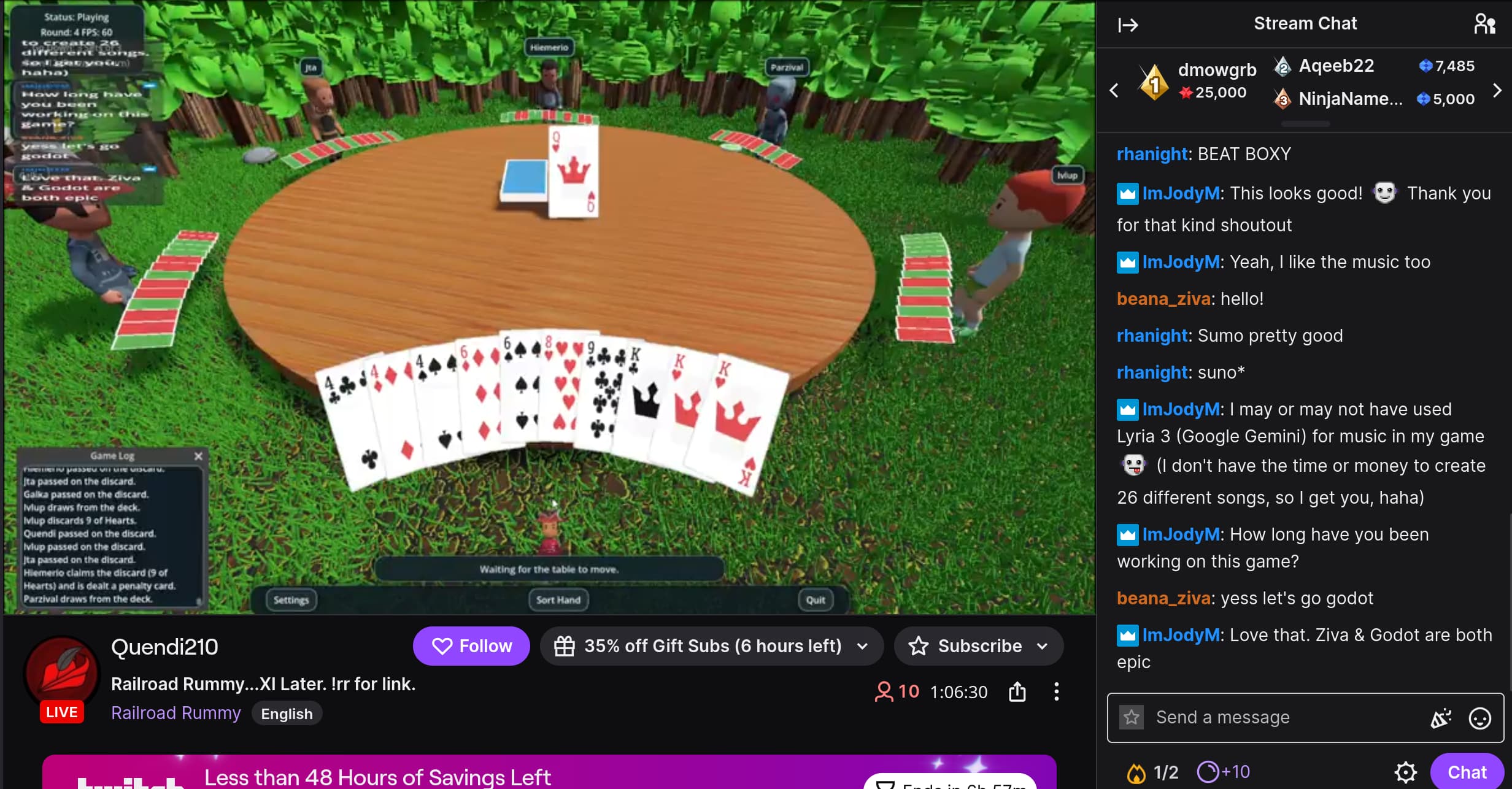
A multiplayer card game, available in Steam Early Access.
The AI development agent in your game editor
Describe what you want to build in plain language. Ziva works with your scenes, scripts, and live editor to turn ideas into game mechanics, fix errors, and help test what you build.
Start free on Hobby with included usage, or bring your own provider.
Godot 4.2+ · Windows, macOS, Linux
Made with Ziva
Aterx Hobby
A multiplayer card game, available in Steam Early Access.
JoMito Games
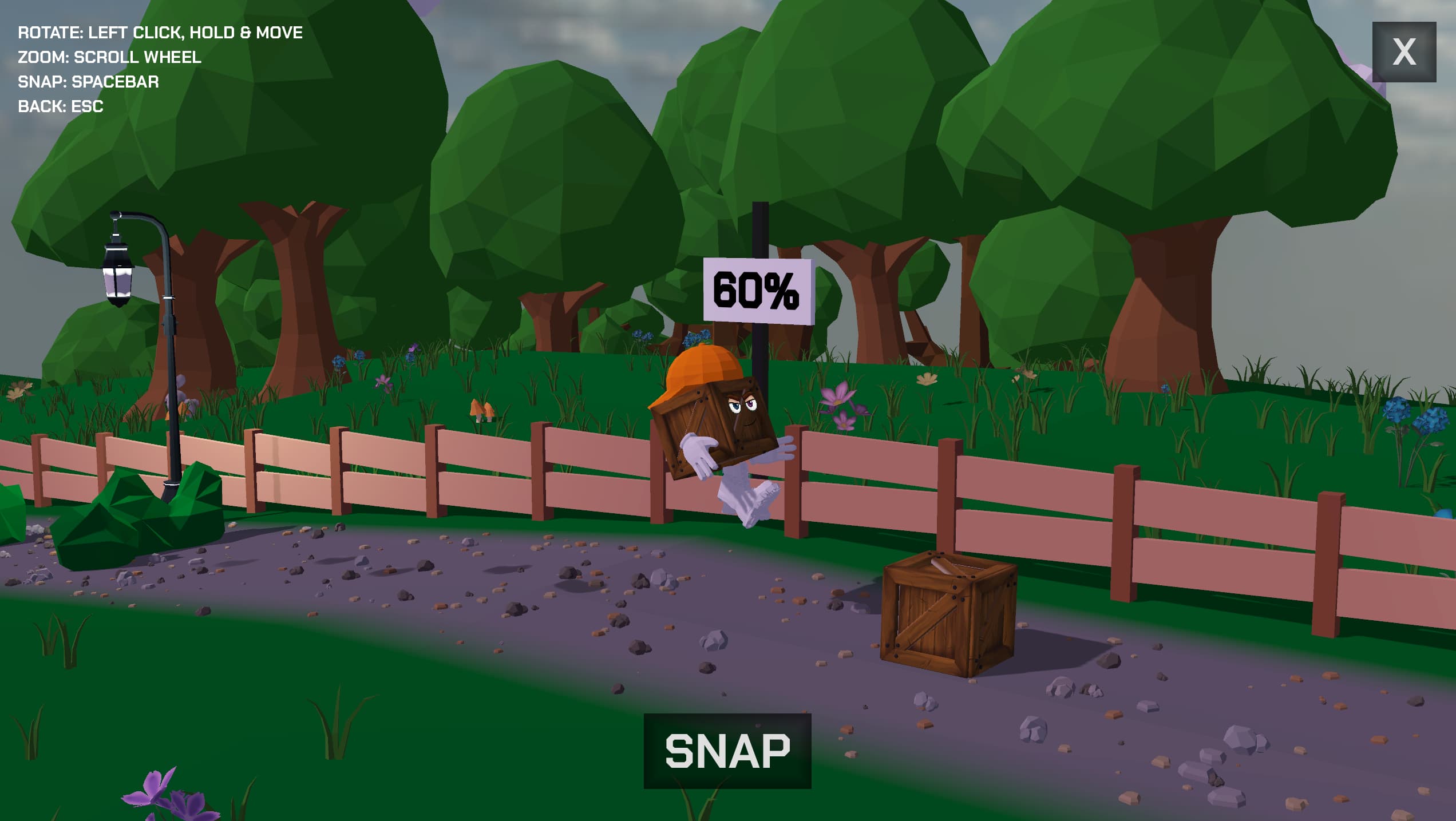
A 3D rhythm runner in development, with Ziva helping build and optimize its levels.
From the idea to the playtest
Your project is more than its code. Ziva works with the scenes, nodes, signals, and runtime behavior that make a game, keeping the work close to the editor.
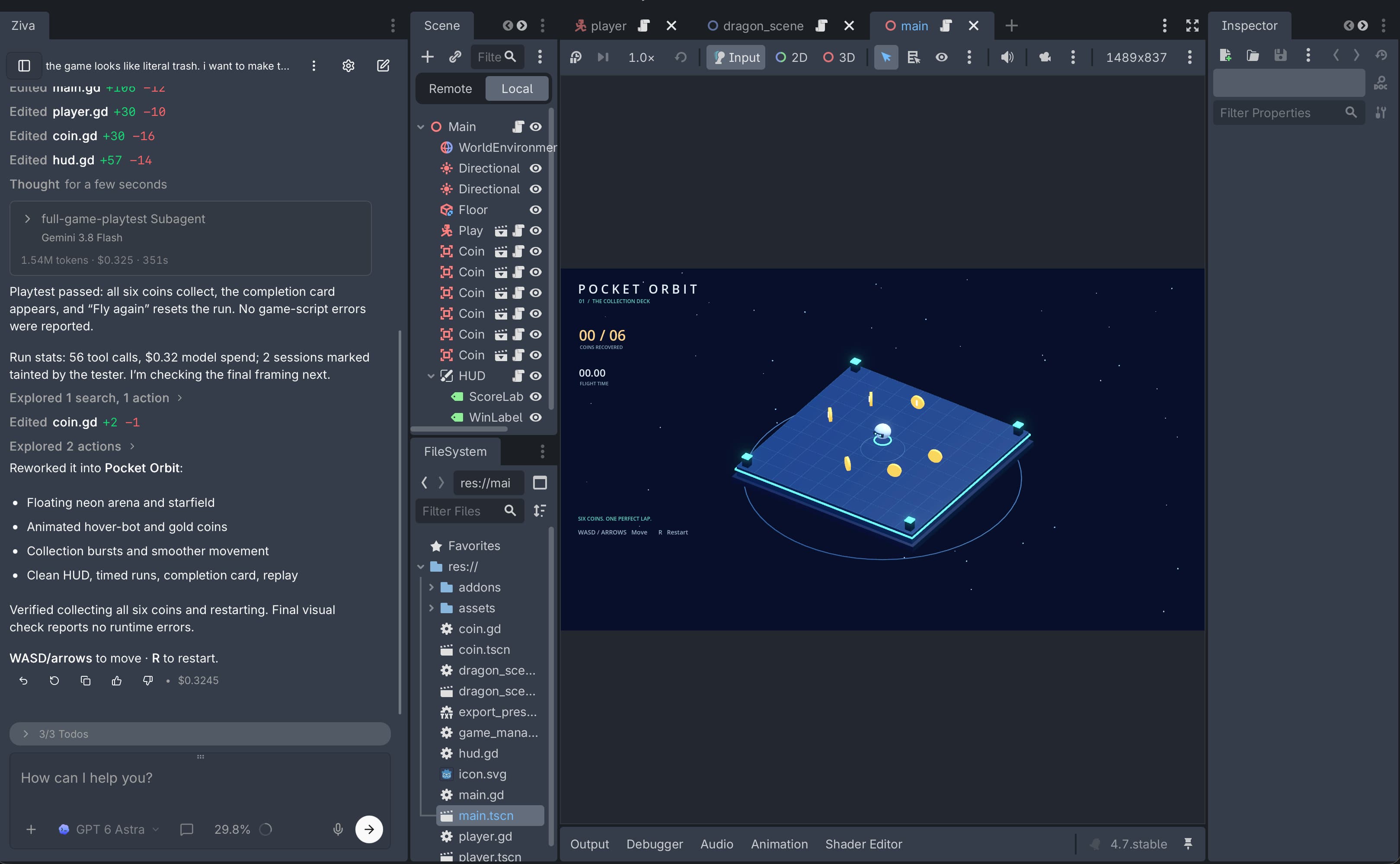
Ask for a new mechanic or a scene change. Ziva reads your scripts and scene tree, writes GDScript or C#, and connects nodes, resources, and signals in the editor.
Explore the Godot agentDescribe the problem in your own words. Ziva can read editor errors, inspect the running scene, and show you its code changes to review.
See the editor toolsRun the game and ask Ziva to test a flow. The Playtest Agent uses screenshots and game input to check behavior and report what it finds. Available on Pro and Ultra.
Meet the Playtest AgentReview the changes and use Undo to restore saved project files. In ZivaCode, choose Plan mode to approve an approach before implementation begins.
A developer’s workflow · Godot
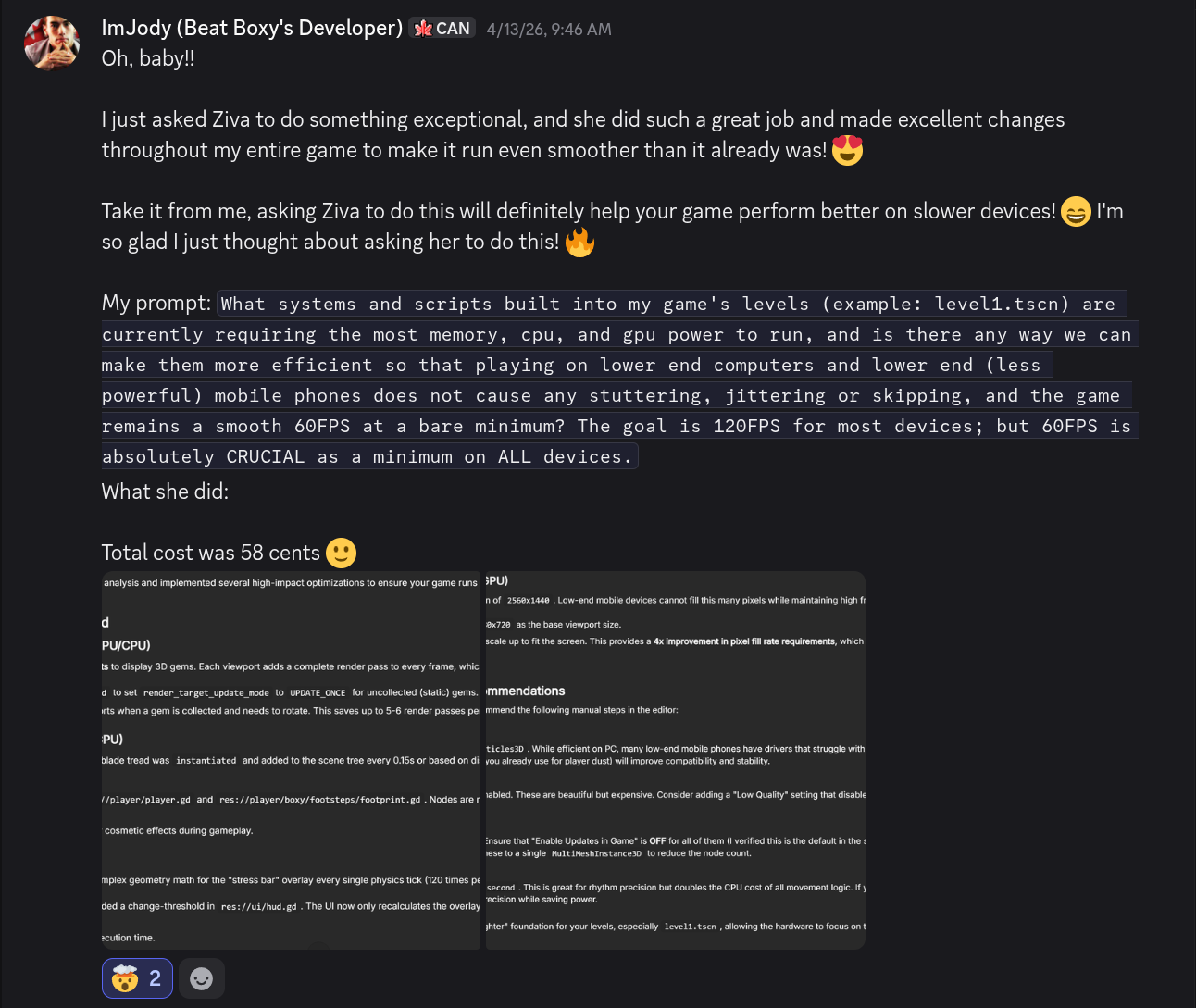
Jody Mitoma shared how he used Ziva to improve Beat Boxy, the 3D rhythm runner he’s building at JoMito Games.
01 · The request
Jody asked which systems in his levels used the most memory, CPU, and GPU power, and how to make them more efficient on less powerful devices.
02 · The changes
The change report he shared describes reducing repeated rendering for static collectible gems and avoiding unnecessary HUD recalculations.
03 · The creator’s check
After using the changes, Jody reported that the game ran “even smoother than it already was.” This is his experience with Beat Boxy, which is still in development.
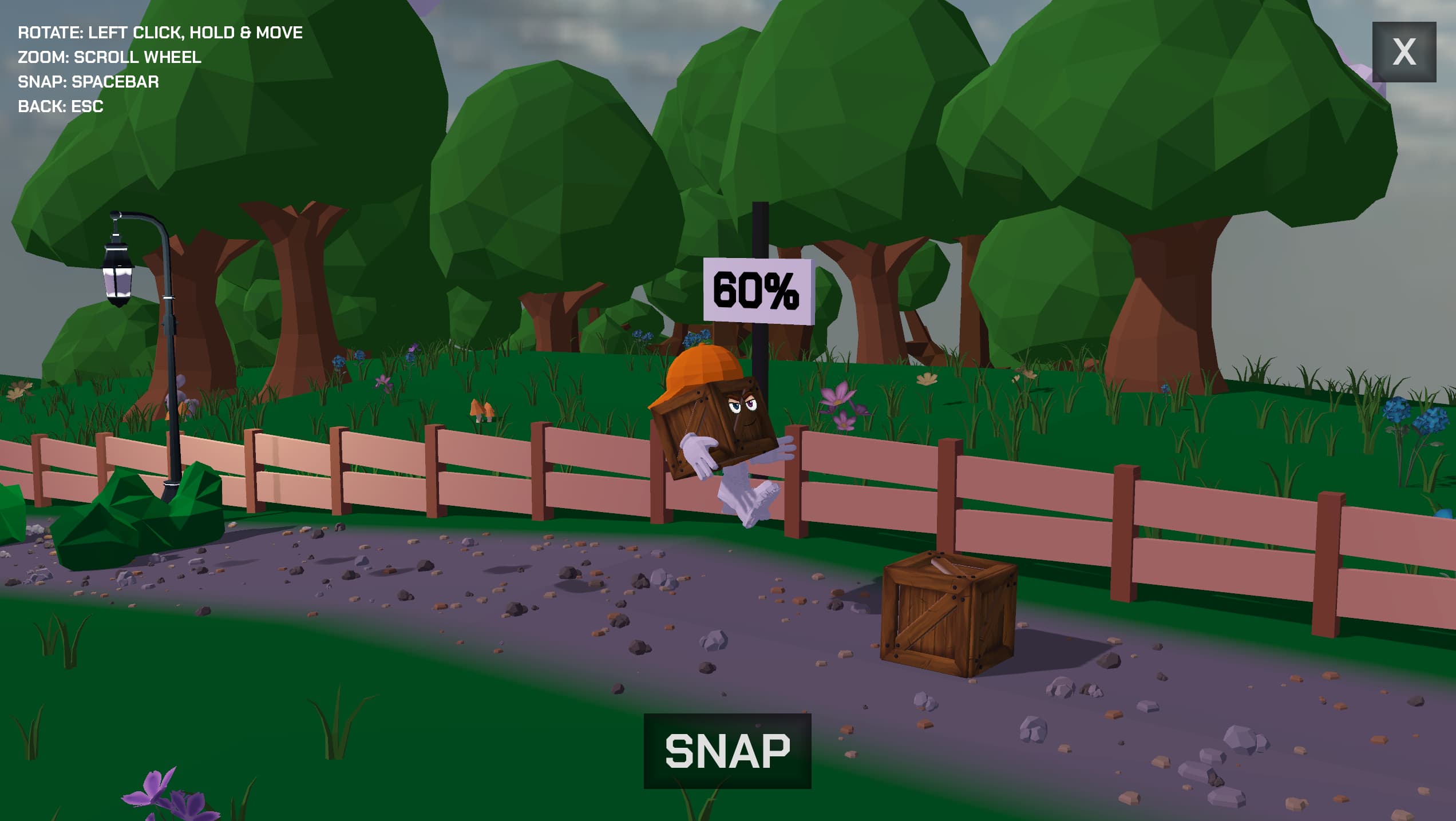
In your own project, review the changes and try the result. Use Undo to restore saved project files when you want to take another direction.
Built for the Godot workflow
An AI plugin for Godot can work with the running editor as well as your code. Ziva gives LLMs access to scenes, nodes, signals, and game input through its built-in editor tools.
| Feature | Cursor | GitHub Copilot | Ziva |
|---|---|---|---|
| Private by default | opt-in required | opt-in required | never trains on your code |
| Reads scene tree | |||
| Reads editor errors live | |||
| Up-to-date Godot 4 docs | training cutoff | training cutoff | real-time |
| Generates sprites, 3D models | 3D models: Pro / Ultra | ||
| Configure TileMapLayers | |||
| Generates and runs your tests | |||
| Multi-model (Claude / GPT / Gemini) | |||
| Free tier | BYO/local models | Copilot Free | |
| Price | Cursor: $20/mo | GitHub Copilot: $10/mo | Ziva: Hobby free, Basic $20/mo, Pro $50/mo, Ultra $200/mo |
| Easy multiplayer setup | Hosted relay: Pro / Ultra | ||
| Run models locally, free | Ollama / LM Studio | ||
| MCP server (Claude Desktop, Cursor) | |||
| Full Game AI Playtester | Pro / Ultra | ||
| Shareable web build link | |||
| Devlog videos from your game runs | Pro / Ultra |
What developers are saying
“We used to pray for times like these”
“Godot + AI is the best thing ever. So much fun. Unlimited potential! Can't wait for the future”
Xernive
discord“The amount of work I got done with Ziva for just $25 out of $60 in tokens spent so far (for the $20 plan) is absolutely mind blowing. I love you guys & gals, devs! Will be crediting you all by name in my game's credits!”

ImJody
discord“Windsurf/Cursor is great and all, but they can't actually create nodes; they can only do code, so not being able to see visually what they're doing in the editor is kinda shyt for future editing. I miss Ziva!”
ImJody
discord“I just canceled my Claude subscription.”

YoungGod
discord“I asked it to add 60 equipment pieces at the same time which completely eluded the capabilities of every AI agent I tried except Ziva. Ziva did it in one prompt.”

Tesha
discordA full agent built for Godot - local models, an MCP server, and a composer made for fast prompting.
Turn on Devlog and Ziva records the game runs you launch while you build, then cuts them into short captioned vertical videos ready to post. Available on Pro and Ultra.
Run a model through Ollama or LM Studio at no cost - model inference stays on your machine. Other connected features may use online services. Or connect an existing Claude or Codex subscription over OAuth, with Fast Mode for lower latency.
Ziva hands independent steps to subagents that run in parallel, so big jobs finish without waiting on one task at a time.
Ziva remembers your preferences, corrections, and project decisions between chats, so a new chat starts with what earlier ones learned. Memories are saved on your machine, outside your project.
A one-click MCP server exposes Ziva's Godot tools to any MCP client, so Claude Desktop, Cursor, or your own agent can read your scene tree, edit nodes, and drive the editor.
Type / in the composer to run a built-in command, a skill, or a custom command you've defined.
Type $ to point Ziva at a scene node, or @ to pull a file or folder into the conversation - stop describing what it can already see.
Press the mic and dictate your prompt instead of typing it.
Connect players through Ziva’s hosted relay and save shared room progress. Pro and Ultra.
Add telemetry to your game and inspect player activity in a hosted dashboard.
Fork open starter projects like Godotcraft - a multiplayer voxel sandbox written mostly by the agent - and build on a working base instead of an empty scene.
Hobby, Basic, Pro, and Ultra are for non-enterprise use. Sign in to see your current allowances and available offers.
Get started today
For casual developers
For indie developers
For serious developers
*Weekly limits reset every Monday. How usage limits work
Tailored to your organization, engine, and use case.
Custom pricing
Contact salesZiva for enterprise
Need help with a shared project, playtesting, or another engine? Tell us what you’re working on and we’ll help you find a starting point.
Talk to our teamFree download
Start free in your own project. Contact us if you need help bringing Ziva to your team.
Explore GodotEnterprise
The full Ziva agent in the Unity Editor, for studios on Ziva Enterprise.
Explore the Unity AI agentEnterprise
The full Ziva agent in Unreal Engine, for studios on Ziva Enterprise.
Explore the Unreal Engine AI agentKnow how your project is handled
Ziva never uses your code to train AI models. Chats from your Godot projects are backed up to your account so you can read them on ziva.sh, and you can turn backup off anytime.
Read the privacy policyYou retain all rights to the code and content you create using Ziva.
Read the ownership termsChoose a cloud model, connect a supported Claude or Codex subscription, or run inference locally through Ollama or LM Studio. Cloud providers have their own data retention terms.
Compare your optionsYour next session, inside the editor
Describe your next idea and start building in Godot. Start free on Hobby with included usage, or connect your own provider.