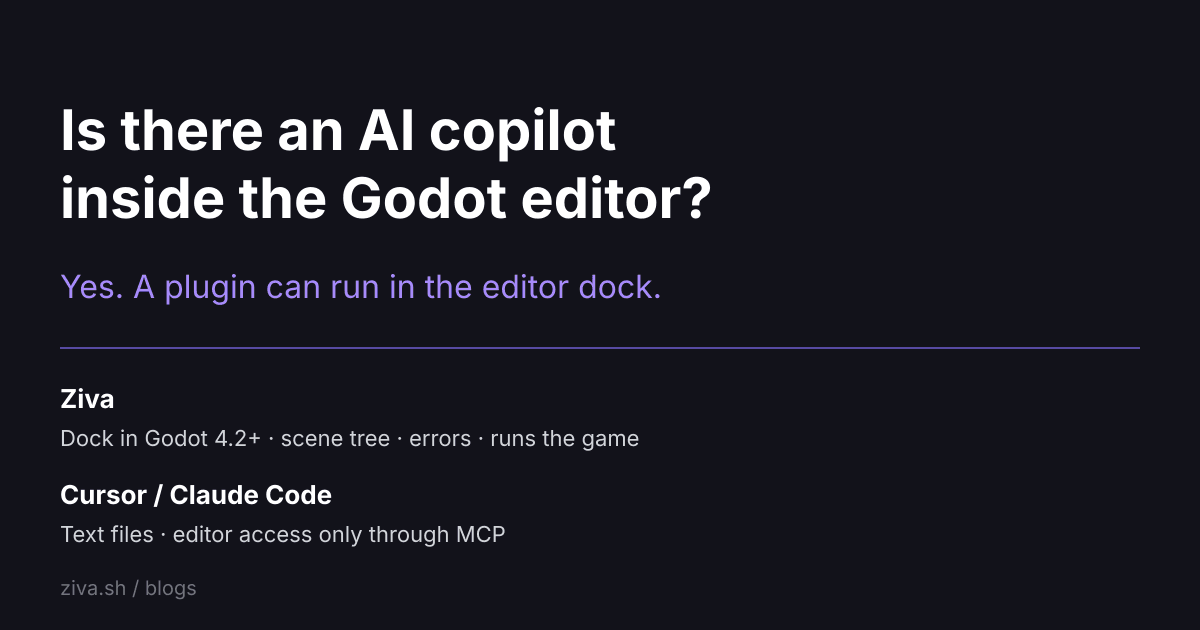
Is there an AI copilot inside the Godot editor?
Yes. Godot ships no AI assistant of its own (its features page lists none), but Godot's editor plugin system lets one run inside the editor, and Ziva does exactly that in Godot 4.2 and later on Windows, macOS and Linux.
"Copilot" here means the generic thing: an assistant that works where you already work, sees what you see, and acts on it. Whether a tool qualifies comes down to one question. Does the AI run inside the editor with access to the scene tree, the errors and the running game, or does it read files from outside and reach the editor through a bridge? This post covers both kinds, what each costs, and what the in-editor option has shipped in measured tests.
TL;DR
| Option | Where the AI runs | Sees the live editor | Cost |
|---|---|---|---|
| Ziva | A dock inside Godot | Yes: scene tree, editor errors, running game | Ziva: Hobby free with $3 included usage to start; Basic $20/mo |
| Claude Code + a Godot MCP server | Terminal, IDE or desktop app | Through MCP tool calls | Claude Pro includes Claude Code: $20/mo billed monthly, $17/mo billed annually. The MIT servers (Coding-Solo, hi-godot) are free |
| Cursor + a Godot MCP server | VS Code-based editor | Through MCP tool calls | Cursor Pro is $20/mo and is the cheapest plan that lists MCPs. Cursor Hobby is free |
| A chat model in a browser tab | Browser | No | Free tiers exist (Claude Free is $0) |
What "inside the editor" means
Ziva installs like any other Godot plugin and opens a dock. The agent in that dock understands the whole project: scenes, nodes, scripts, resources, project settings, editor errors and the running game. When it needs something, it calls an editor tool rather than guessing. The Godot AI page names the tools: get_scene_tree to read the open scene, get_godot_errors to read what Godot logged, get_screenshot to capture what it sees in a playtest, run_tests to verify a change, and execute_script to run GDScript for advanced changes (changelog 2.5.0).
Two details separate this from a smart text editor. First, Godot errors sent to the agent include the source file and line (3.1.2), and since 3.2.5 a tool result includes the script errors the operation caused, so the agent can see and address them. Second, every turn can be undone. Ziva saves a local checkpoint before changing your files (changelog). Undo restores the saved project files.
What the copilot does in Godot
The homepage keeps the maintained list. In short:
- Builds and edits scenes, nodes, scripts, signals and resources. TileMapLayer tools require Godot 4.3 or later.
- Writes and refactors GDScript and C# with project context.
- Searches the Godot documentation and reads editor output and errors.
- Runs your project's tests and can write tests to check its own work (changelog, 2.4.0).
- Generates a sprite, seamless tile or background through one
generate_imagetool (3.2.1), and adds a 3D model to the scene. - Launches a scene in the Game tab, sends keyboard and mouse input, and screenshots the result (3.0.0). The separate Playtest Agent plays through a whole game and is on Pro and Ultra.
- Drafts a plan for approval in Plan mode before touching the project, and answers questions without changing anything in Ask mode (slash commands).
- Reads an AGENTS.md for project conventions and takes @ file mentions as context.
What it costs
The Ziva pricing table has four self-serve plans. Ziva Hobby is free: $3 of included AI usage to start, 50 Ziva Baby messages a day, 5 Ziva Smart messages, no credit card. Ziva Basic is $20/mo and removes the message caps on Baby and Smart. Ziva Pro is $50/mo and adds the Genius lane, Sonnet and Opus models, and the Playtest Agent. Ziva Ultra is $200/mo.
Two routes do not draw on your included Ziva usage. You can connect a Claude Code or ChatGPT Codex account on any plan, Hobby included, and requests count toward that provider's usage. You can also run Ollama or LM Studio models locally. Separately, since 3.2.5 you can use supported models with your own OpenRouter credit (changelog).
Evidence it works
We publish the runs, with costs, rather than adjectives. In the GPT-5.6 benchmark, each model got three prompts to build a playable Flappy Bird inside a live Godot editor through Ziva. GPT-5.6 Luna finished in 26 tool calls and 2.4 minutes for $0.17, Terra for $1.15, and Sol in 46 calls for $1.59. All three shipped with zero GDScript errors and scored 10/10 on the rubric. Meta's Muse Spark 1.1 spent $3.05 and never finished the "playtest it and fix what you notice" turn, so it did not ship in the picker.
The one-prompt parkour benchmark is harder: build a 3D world with three races from a Kenney asset pack. GPT 5.6 Sol scored 6 for the world and 9 for the conversation at $2.94 in 9.7 minutes; Kimi 3 scored 8 and 7 at $3.14 but took 79 minutes; Claude Fable 5 scored 7 and 6 at $13 with caching ($46 billed) in 32.5 minutes. The GPT-5.6 post scored one run per model, two for Muse Spark. Treat these numbers as samples, not distributions.
Outside benchmarks, Jody Mitoma asked Ziva to find the biggest memory, CPU and GPU costs in Beat Boxy's levels. He reported the game ran "even smoother than it already was" and put the total cost at 58 cents (Beat Boxy story). Railroad Rummy by Aterx Hobby, built with Ziva, is in Steam Early Access (games made with Ziva).
Copilots that live outside the editor
Cursor and Claude Code are general coding agents. Cursor is based on the VS Code codebase; Claude Code runs in your terminal, IDE, desktop app and browser. On a Godot project both work from the files on disk. Godot's TSCN scene format is text that the docs call "mostly human-readable", and the same page covers .tres resources. Scenes and resources read as text alongside .gd scripts. Neither had a Godot page in its docs index as of September 18, 2026 (Cursor, Claude Code).
They reach the live editor through an MCP server. Ziva ships one: Ziva as an MCP server exposes the scene tree, node and script creation, error reading and run/stop to Claude Code, Codex, Cursor, VS Code, Windsurf, Zed and other clients with one-click setup, and it runs only on your machine. Open-source alternatives exist, headed by Coding-Solo/godot-mcp (MIT, 5.7k stars, 14 tools for launching the editor, running the project and capturing debug output) and hi-godot/godot-ai (MIT, 46 tools and 120+ operations, Godot 4.7+).
Be honest about the trade. Cursor's Tab is an AI autocomplete that suggests code as you type. Ziva is a chat agent and has no inline completion. If most of your day is typing GDScript by hand, Cursor's completion is worth having, and the two tools can share one project through the MCP route. The Cursor comparison and the Claude Code comparison go feature by feature.
Related reading
- How do I generate GDScript with AI?: three routes, step by step
- Is there an AI agent that can playtest a Godot game?: the Playtest Agent in detail
- Best AI Tools for Godot in 2026: the wider tool landscape
- Ziva vs Godot MCP: the open-source bridge family compared