How to export a Godot game to the web and share a playable link
To put a Godot 4 game in a browser, export it with the Web preset (single-threaded, the default since Godot 4.3), serve the folder over HTTP, and upload it to a host that gives you a link: itch.io, a static host such as GitHub Pages, or, if you use Ziva, its Share Web build menu item, which exports, uploads and returns a play.ziva.sh link from inside the Godot editor.
Ziva.sh publishes this page and makes Ziva. Facts about other tools come from their own pages, as of 5 November 2026. We ran every Godot command on this page on 5 November 2026 with Godot 4.7.2 on Linux, on the public Star Catcher sample (and the C# test on a one-script C# project), and loaded each build in Chromium. We did not test Safari.
Ways to get a playable link
| Host | Price | Limits | Private link | Threaded builds |
|---|---|---|---|---|
| itch.io | itch.io: free | itch.io: 500 MB extracted, 1,000 files, 200 MB per file | itch.io: Draft secret link, or Restricted with a password | itch.io: SharedArrayBuffer support checkbox |
| GitHub Pages | GitHub Pages: free for public repositories | GitHub Pages: 1 GB per site, 100 GB a month soft bandwidth | GitHub Pages: not covered here | GitHub Pages: no header settings in its docs; PWA workaround |
| Netlify | Netlify: free plan with monthly credits | Netlify Drop: "individual files over 10MB may cause your deploy to get stuck" | Netlify Drop: temporary password until you claim the site | Netlify: _headers file |
| Cloudflare Pages | Cloudflare Pages: free plan | Cloudflare Pages: 25 MiB per file, 20,000 files | Cloudflare Pages: not covered here | Cloudflare Pages: _headers file |
| Lobsite | Lobsite: free, or $20 a year for Godot 4 | Lobsite free: 5 MB per file; Standard: 100 MB per file, 2 GB per site | Lobsite: password on Standard | Lobsite: lobsite.toml headers via its CLI |
| Ziva Share Web build | Ziva: every plan, including free Hobby | Ziva: 300 MB after compression | Ziva: unlisted preview only; published games are public | Ziva: headers set for you; single-threaded on Godot 4.3+ |
Godot 4.7.2's single-threaded index.wasm is 39,514,754 bytes before compression. That is above Cloudflare Pages' 25 MiB per-file limit and Lobsite's free 5 MB limit, and over the 10 MB at which Netlify says Drop deploys may stall, so check per-file limits before you pick a free host. Gotm.io, which older answers still list for Godot games, no longer works: its domain registration has expired.
Export a Godot 4 game for the web
- Use the Compatibility renderer. Godot's docs say Godot 4 "can only target WebGL 2.0 (using the Compatibility rendering method)".
- Open Project > Export, click Add... and choose Web.
- If Godot says export templates are missing, click Manage Export Templates and download them. They go in
~/.local/share/godot/export_templates/4.7.2.stable/on Linux; the Godot 4.7.2 template bundle covers every platform and is about 1.2 GB. - Leave Variant > Thread Support off. Godot's docs call single-threaded "the preferred and now default way to export your games on the Web" since Godot 4.3.
- Click Export Project and save as
index.htmlin an empty folder.
From the command line, with a preset named Web in export_presets.cfg:
godot --headless --path my-game --export-release "Web" ../build/index.htmlOn our machine that took about 3 seconds and produced 9 files, 39.9 MB in total:
| File | Bytes | gzip -9 |
|---|---|---|
index.wasm | 39,514,754 | 10,084,297 |
index.js | 279,815 | 68,400 |
index.pck | 7,316 | 3,487 |
index.html, two audio worklets, three icons | 55,307 | - |
Almost all of it is the engine. Hosts that gzip on the fly send about a quarter of those bytes; Godot's docs list GitHub Pages as one that does and itch.io as one that doesn't.
A minimal export_presets.cfg that exports without warnings in 4.7.2:
[preset.0]

name="Web"
platform="Web"
runnable=true
export_filter="all_resources"
include_filter=""
exclude_filter=""
export_path="../build/index.html"

[preset.0.options]

variant/thread_support=false
Without include_filter, exclude_filter and at least one option, the export still succeeds but prints ERROR: Couldn't find the given section "preset.0" and key "include_filter".
Test the build in your browser
Double-clicking index.html does not work. Chromium showed Failed to fetch over the Godot logo, and the console said URL scheme "file" is not supported for index.wasm and index.pck. Serve the folder instead:
cd build
python3 -m http.server 8000
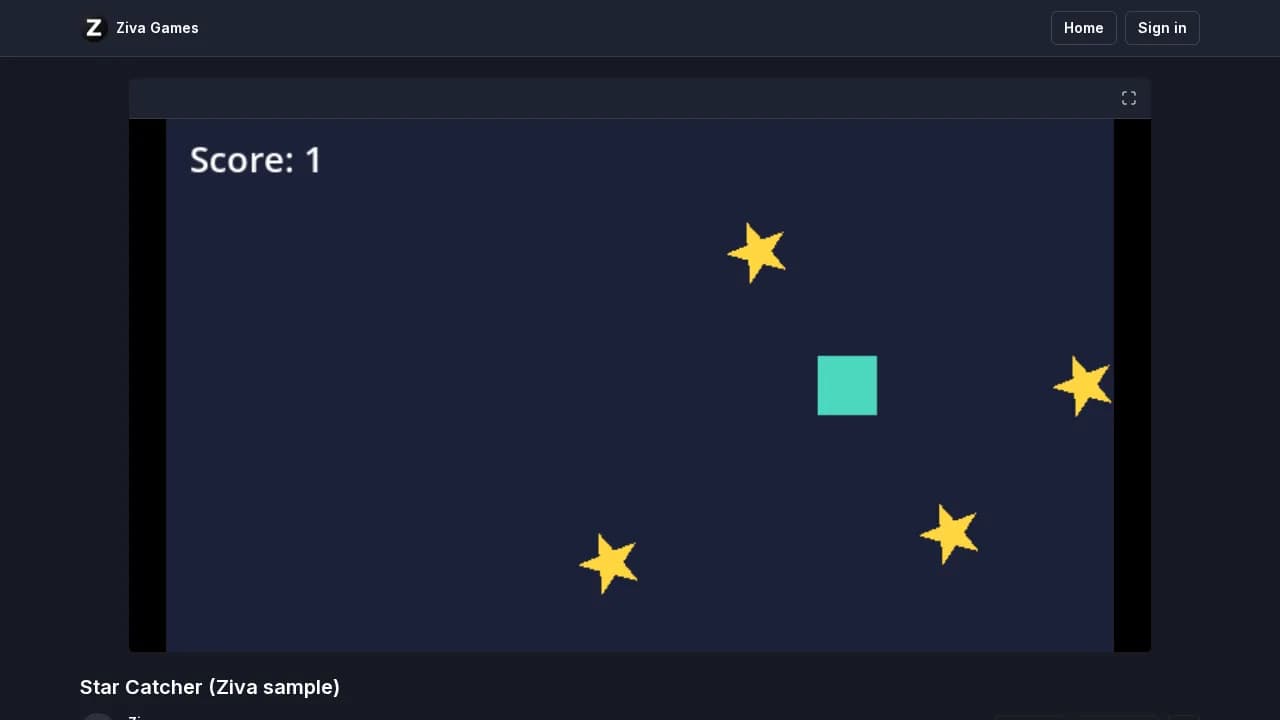
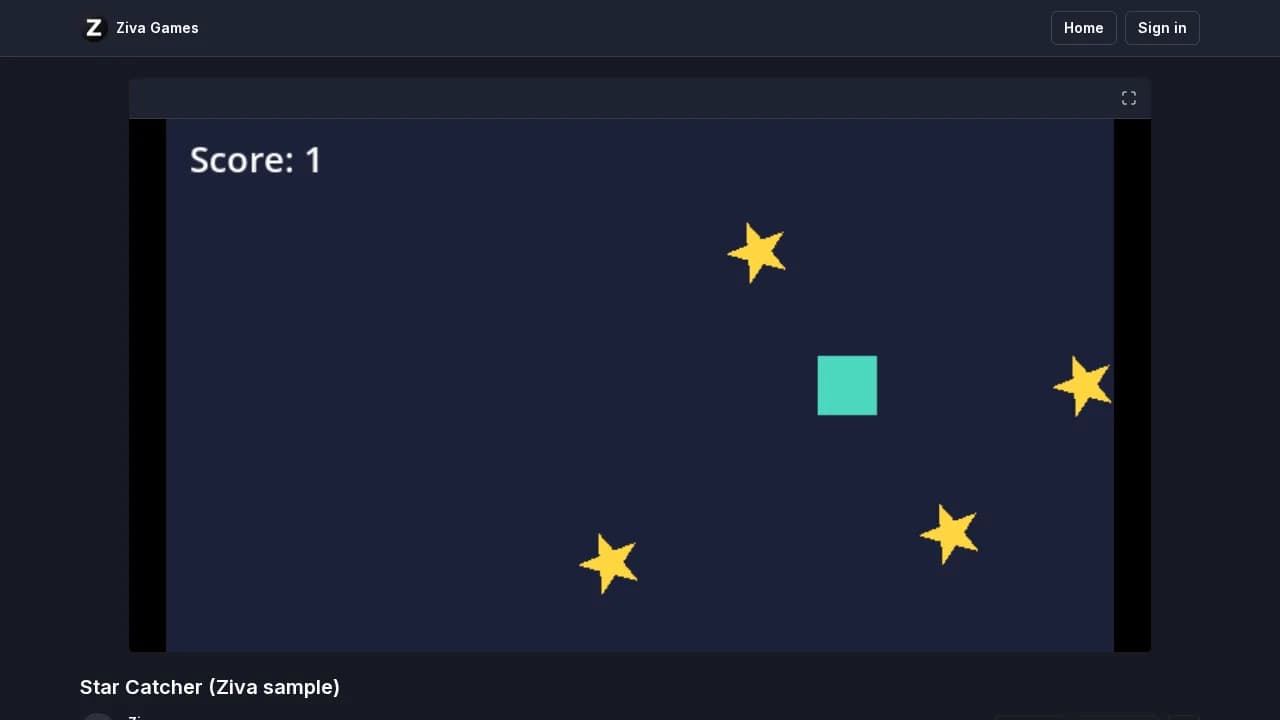
Then open http://localhost:8000. Our single-threaded build ran from this plain server with no extra headers: the console printed single-threaded, and holding the right arrow moved the player into a star and the score went to 1. Godot's docs also describe a button between Stop and Play Edited Scene, shown when a runnable web preset and templates exist, that opens the game in your default browser.
Fix "Cross Origin Isolation" and "SharedArrayBuffer" missing
With Thread Support on and no special headers, Godot 4.7.2 stopped with this error over the logo (Godot's docs say Extensions Support needs the same headers):
The following features required to run Godot projects on the Web are missing:
Cross-Origin Isolation - Check that the web server configuration sends the correct headers.
SharedArrayBuffer - Check that the web server configuration sends the correct headers.
Threaded builds use SharedArrayBuffer, which browsers only allow on cross-origin isolated pages. Three fixes, in the order we'd try them:
-
Export single-threaded. Turn Thread Support and Extensions Support off and export again. Unless a GDExtension needs them, this is the simplest fix; Godot's docs call single-threaded exports "more compatible overall with stores like itch.io" and web portals.
-
Send the two headers. Godot's docs list
Cross-Origin-Opener-Policy: same-originandCross-Origin-Embedder-Policy: require-corp. Locally, this tiny server is enough:import http.server, sys class COIHandler(http.server.SimpleHTTPRequestHandler): def end_headers(self): self.send_header("Cross-Origin-Opener-Policy", "same-origin") self.send_header("Cross-Origin-Embedder-Policy", "require-corp") super().end_headers() http.server.ThreadingHTTPServer(("127.0.0.1", int(sys.argv[1])), COIHandler).serve_forever()With it, the threaded build printed
multi-threadedand ran. Netlify and Cloudflare Pages read the same headers from a_headersfile. On itch.io, tick SharedArrayBuffer support under Embed options > Frame options; itch.io's announcement calls it experimental. -
Use the PWA workaround when you can't set headers. In the export preset, enable Progressive Web App and keep Ensure Cross Origin Isolation Headers on (it is on by default). A service worker then adds the headers. It needs HTTPS or localhost. In our tests, 4 out of 4 first visits showed a black screen with no message, and the game ran after one manual reload, so tell playtesters to reload once.
Share the link with friends or playtesters
itch.io
- Export single-threaded.
- ZIP the contents of the export folder, so
index.htmlis at the top of the ZIP. Our 9-file build made a 10.2 MB ZIP. - On itch.io, create a new project, set its kind to HTML, upload the ZIP and tick This file will be played in the browser.
- Set the embed size to your game's viewport, and tick Mobile friendly if it works on phones.
- Leave the project as a Draft and share the secret link, or publish it.
itch.io's docs say HTML5 ZIPs must have at most 1,000 files, 500 MB extracted and 200 MB per file, and that a Draft is "only accessible by people who can edit it, and people with the secret link". For testers you approve, set the page to Restricted and add a password; itch.io says you can "include the password directly in the URL". To upload from inside Godot, the free MIT-licensed plugins ShipItch, Itch Exporter & Uploader and Greenlight export and upload with itch.io's butler tool, and Majordomo pushes builds to itch.io with butler.
GitHub Pages, Netlify or Cloudflare Pages
Commit the export folder to a repository and turn on Pages, or drop the folder on Netlify. GitHub's Pages docs for github.com describe no way to set custom response headers, so on GitHub Pages use the single-threaded export or the PWA workaround above. Watch per-file limits: Cloudflare Pages caps each file at 25 MiB, and Godot 4.7.2's index.wasm is 39.5 MB.
Ziva's Share Web build: a play.ziva.sh link from the editor
Ziva is an AI assistant that runs inside the Godot editor. Its Share Web build item, in the ⋮ menu of the Ziva chat header, does the export and the hosting for you:
- Ziva runs Godot's web export with your own Godot editor, on a copy of your project without Ziva's own addon, and adds a Web export preset if your project has none.
- If the export templates are missing, Ziva downloads Godot's official templates first.
- On Godot 4.3 and later, Ziva exports single-threaded unless a GDExtension ships only threaded web libraries, and then warns that the game won't run on iPhone or Safari. On Godot 4.2, which has no single-threaded templates, builds are threaded.
- Ziva compresses and uploads the build, and you get an unlisted preview link to try it.
- You add a title, description and cover, choose Approve and publish, and get a play.ziva.sh link to share.
We shared the Star Catcher sample this way on 5 November 2026, signed in on a fresh Ziva install with no export templates. Downloading Godot 4.7.2's templates (1,222 MB) took about 21 minutes on our connection; extracting them, exporting and uploading the 9 compressed files (13.5 MB) took under a minute more. The game is at https://play.ziva.sh/timely-hallway/, and it played in Chromium without signing in.
Share Web build works on every Ziva plan, including the free Hobby plan, once you're signed in, for builds up to 300 MB after compression. Rebuilding keeps the same link, and links don't expire until you delete the game. You can also ask Ziva in chat to prepare the game for publishing; Ziva builds the preview and shows the listing, and publishes only after you approve, even with auto-approve on. The Share web builds docs cover updating, deleting and linking a game from another computer.
Can you export a Godot 4 C# project to the web?
No. Godot 4.7.2's .NET editor refused our one-script C# project:
Exporting to Web is currently not supported in Godot 4 when using C#/.NET. Use Godot 3 to target Web with C#/Mono instead.Godot's docs say "Projects written in C# using Godot 4 currently cannot be exported to the web." The tracking issue, godotengine/godot#70796, was locked on 19 June 2026 with the comment "The foundation is evaluating solutions for C# web support." For a browser build today, use GDScript, or Godot 3 with C#. The same limit applies to Ziva's Share Web build.
What Ziva's Share Web build doesn't do
- Ziva doesn't upload to itch.io, GitHub Pages or any host other than play.ziva.sh.
- A published Ziva build is public: it is listed on play.ziva.sh, where players can rate and comment, and new games are announced in Ziva's Discord. Only the preview is unlisted.
- Ziva has no custom domains or password-protected builds.
- Ziva can't export C# projects to the web, because Godot 4 can't.
- Share Web build is for Godot only, needs the Godot editor with Ziva installed, and needs you signed in to Ziva.
- Ziva uploads only Godot's web export, not your project folder or chats. Like any web build, the export contains your game's scenes and scripts.
Related reading
- Share web builds: Ziva's step-by-step docs
- Godot online multiplayer without a server, including web exports
- How to automate playtesting in Godot
- Godot's "Exporting for the Web" docs