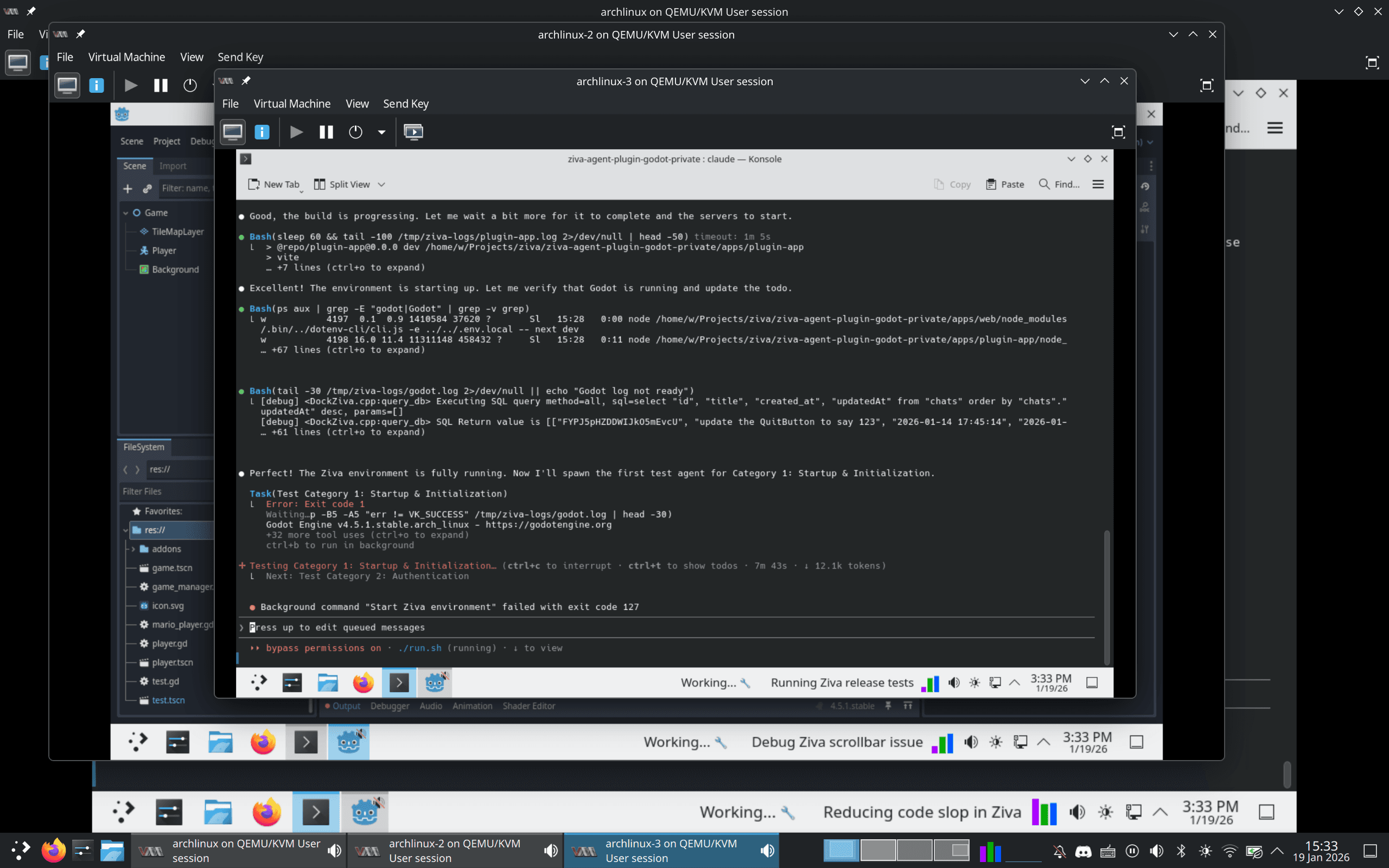
Run parallel AI agents on one Godot project without breaking each other's work
Give each agent its own git worktree, a second checkout of your repository in another folder, and treat that folder as its own Godot project. Copy the hidden .godot folder into it so Godot doesn't reimport every asset, and add an override.cfg so the copy's game saves to its own user:// folder. Have each agent record a short video of its change, then merge the branches back one at a time. Expect project.godot to conflict.
Ziva.sh publishes this page and makes Ziva. We ran every command on this page in November 2026 with Godot 4.7.2 and git 2.56.0 on Linux, in a small test project named Shop Demo with 300 images. Two simulated agents added a shop screen and a settings menu. We ran Godot with --headless or under xvfb-run, never in a window. We did not test Windows or macOS.
What breaks when agents share a Godot project
Git worktrees solve the obvious problem: two agents editing the same files in the same folder. Godot adds four more:
- Every copy reimports your assets. Git ignores the
.godotfolder, so a new checkout has no import cache. - Every copy shares one save folder. Godot names
user://after the project name, so a test run in one copy can load or overwrite the save files of another. project.godotcollects shared settings. Autoloads and input actions from two agents land in the same section of the same file.- Agents report "it works" without running the game. Ask for a video.
1. One worktree per agent
Run this in your project folder. Your .gitignore should already list .godot/; add override.cfg before you make the worktrees, so the file you add in step 3 is never committed.
echo "override.cfg" >> .gitignore
git add .gitignore && git commit -m "Ignore override.cfg"
git worktree add ../shop-demo-shop -b shop-screen
git worktree add ../shop-demo-settings -b settings-menu
Each folder is a full checkout on its own branch. Start Claude Code or Codex in one folder per agent, and open each folder as its own project in Godot's Project Manager if you want to watch it.
Claude Code (2.1.318) and Codex CLI (0.163.0) also have a --worktree flag that makes the worktree for you. Claude Code puts it in .claude/worktrees/ inside your project. Godot skips folders that start with a dot: in our test, a full copy of the project under .claude/worktrees/ added nothing to the main project's import, even with a duplicate class_name. The steps below still apply to that folder.
2. Copy the import cache
cp -r .godot ../shop-demo-shop/
cp -r .godot ../shop-demo-settings/
godot --headless --path ../shop-demo-shop --import
On a worktree without the copied .godot folder, Godot printed (Re)Importing Assets (300 steps) and reimported every image. With the copy, it printed no reimport step. Our 300 images imported in seconds either way; the saving grows with the size of your project. Commit the .import files Godot writes next to your assets, so every copy uses the same import settings.
3. Give each copy its own save folder
Without an override, all three folders saved to the same place:
godot --headless --path ../shop-demo-shop --quit-after 2user:// is ~/.local/share/godot/app_userdata/Shop DemoOur test scene prints OS.get_user_data_dir() from _ready(); we shortened the home folder to ~. Add the same print to your main scene to check yours.
Create a file named override.cfg in the root of each copy, next to project.godot, with a different name in each:
[application]

config/use_custom_user_dir=true
config/custom_user_dir_name="shop-demo-agents/shop"[application]
config/use_custom_user_dir=true
config/custom_user_dir_name="shop-demo-agents/settings"Godot reads override.cfg on top of project.godot, and the name may contain a / to group the folders. Run each copy again:
godot --headless --path ../shop-demo-shop --quit-after 2
godot --headless --path ../shop-demo-settings --quit-after 2
godot --headless --path . --quit-after 2user:// is ~/.local/share/shop-demo-agents/shop
user:// is ~/.local/share/shop-demo-agents/settings
user:// is ~/.local/share/godot/app_userdata/Shop DemoYour main folder keeps its usual save folder. Both copies also ran their games at the same time, each saving to its own folder. On Windows and macOS, Godot's docs put the folder in %APPDATA% and ~/Library/Application Support.
git status in each copy stayed empty after we started a headless Godot editor on it, so override.cfg and .godot stay out of the agent's commits. If a copy still uses the shared folder, look for Error parsing and override.cfg in Godot's output: with a broken line, our copy fell back to another folder. Also check that application/config/disable_project_settings_override is off in your project settings; when it's on, Godot ignores override.cfg.
4. Let the agents work, then commit
Give each agent one task in its own folder. When it's done, open the copy once, or run --import on it, so Godot writes the .uid files for new scripts, and commit those too:
godot --headless --path ../shop-demo-shop --import
git -C ../shop-demo-shop add -A
git -C ../shop-demo-shop commit -m "Add shop screen"
In our test, the shop agent's commit had shop.gd, wallet.gd, their .uid files, a changed main.tscn and a new autoload in project.godot.
If your agent drives the Godot editor through an MCP addon, each copy needs its own open editor. If the addon listens on a fixed port, only one editor can use it at a time.
5. Record a video of each change
Godot's Movie Maker mode records a run to a file:
mkdir -p ../videos
xvfb-run -a godot --path ../shop-demo-shop --write-movie ../videos/shop-screen.avi --quit-after 300
Godot printed 300 frames at 60 FPS (movie length: 00:00:05:00). A relative path is relative to the project folder, so the video landed in ../videos next to the copies. Record your main folder the same way before you merge to get a "before" video.
--write-movie crashed with --headless in Godot 4.7.2 (Program crashed with signal 11, empty file). xvfb-run gives Godot a virtual screen on Linux. We did not test Windows or macOS; there, without Xvfb, Godot needs a window to record.
A video shows that the game starts and what the change looks like. It doesn't replace a test that checks the result, such as a GUT or GdUnit4 input test.
6. Merge back
Merge one branch at a time from your main folder:
git merge shop-screen
git merge settings-menu
The first merge was a fast-forward. The second stopped on project.godot, because both agents added an autoload under [autoload]:
CONFLICT (content): Merge conflict in project.godotKeep both lines and delete the conflict markers:
[autoload]

Wallet="*res://wallet.gd"
Settings="*res://settings.gd"
Then finish the merge and check that the game still loads:
git add project.godot && git commit --no-edit
godot --headless --path . --import
godot --headless --path . --quit-after 2
Godot printed no errors, and both autoloads loaded.
7. Clean up
git worktree remove ../shop-demo-shop
git worktree remove ../shop-demo-settings
git branch -d shop-screen settings-menu
rm -rf ~/.local/share/shop-demo-agents
git worktree remove worked without --force, because override.cfg and .godot are ignored. The save folders live outside the project, so delete them yourself.
Where Ziva's Parallel mode does these steps for you
Ziva, our AI agent inside the Godot editor, can run parallel AI agents on one request: pick Parallel mode, added in Ziva 3.3.8 (November 2026). It does the steps above for you:
- Each agent works on its own copy of your project in a background Godot editor, so your editor stays free. Copies reuse your import cache, so your assets aren't reimported from scratch.
- Agents can't overwrite your game's save files.
- Each finished part comes with a video of Ziva playing it and a list of what changed. When an existing screen changes, the video shows before and after side by side.
- Finished parts go into your project on their own. If you edit the same file meanwhile, the agent merges both changes and plays it again. To change a part, open it and click Request changes; to remove it, ask to undo it.
- It ends with a playtest of the whole game.
Parallel mode is in Godot on Ziva's Pro and Ultra plans. The copies, background editors and videos stay on your computer; the agents send what they read and their screenshots to the AI model, as in any Ziva chat. Keep Godot open while it works; there's no headless or CI mode.
Related reading
- Parallel AI agents in Ziva (Parallel mode): how to start, review and undo a part
- How to simulate keyboard and mouse input in GUT and GdUnit4: tests each agent can run headless
- How to automate playtesting in Godot: bots, MCP servers and AI agents
- Claude Code tips for large projects: how we run Claude Code in parallel on Ziva itself